Break Through the Connection Limit

Give your whole band control over their monitor mixes.

MixAppXpander expands the device limit on your mixing console, allowing more musicians to connect and control their own auxiliary mixes simultaneously — all through a single host device.
MixAppXpander on iPad

How It Works

1

Install Once

Install MixAppXpander on a single host device connected to your audio network.

2

Connect Normally

Musicians use their standard mixing desk control apps as usual on their own devices but connect via MAX.

3

Get Real-Time Control

All connections route through your host device, bypassing device limits and giving everyone control.

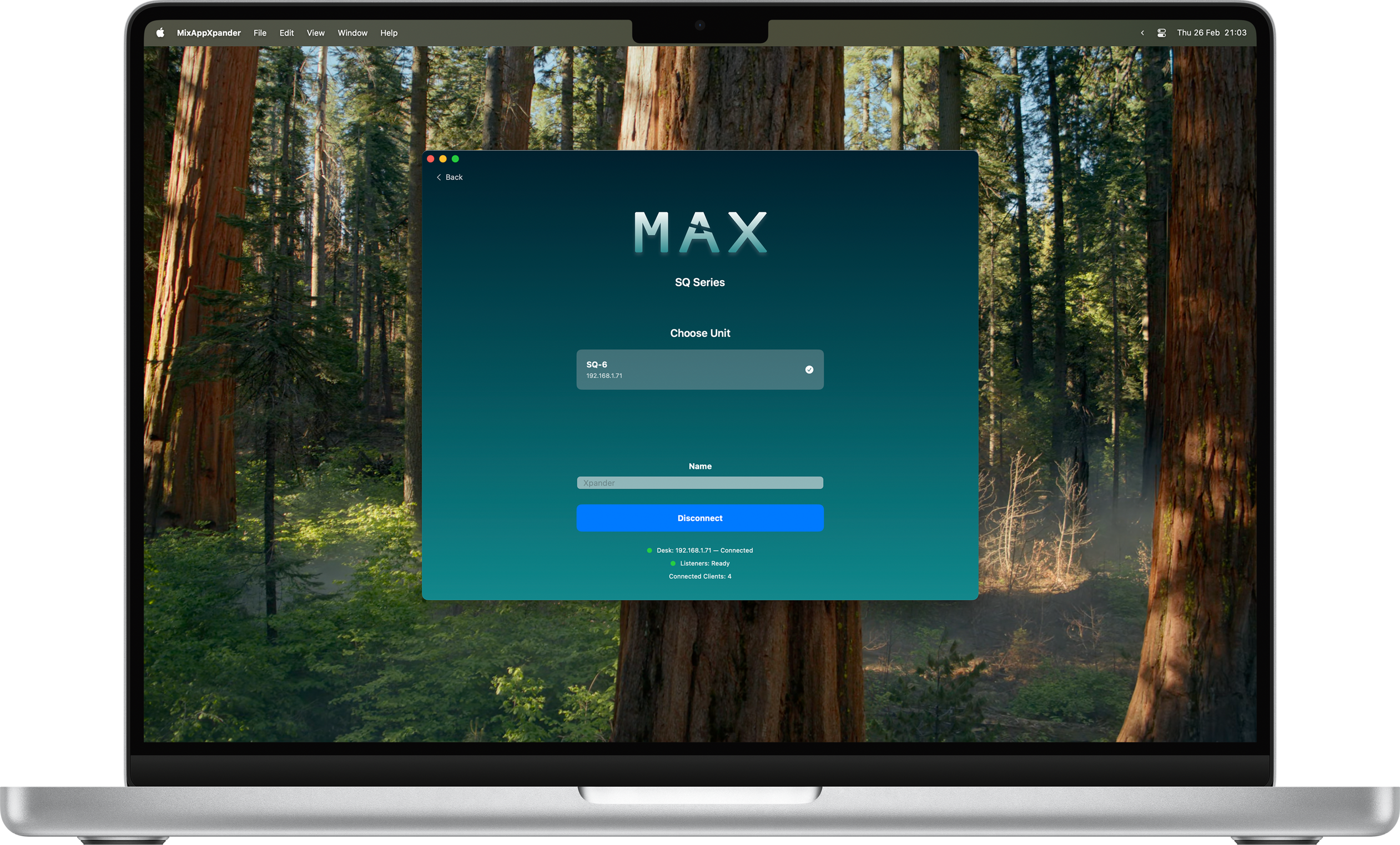
MixAppXpander on MacBook

Key Features

♾️

Expand Connections

Connect as many control apps as you need to a single mixing desk, bypassing device limits.

📱💻

Single-Device Hosting

Only requires installation on one host device—musicians use their standard apps as normal.

🎸

Perfect for Larger Bands

Ensure every vocalist, horn player, and rhythm section member has personal control over their mix.

🎚️

Real-Time Control

Seamless, low-latency communication between all devices and your mixing console.

🔒

Privacy First

All communication stays on your local network. No data collection, no telemetry, completely private.

🌐

Network Utility

Operates as a transparent bridge on your network, no configuration needed.

Supported Desks

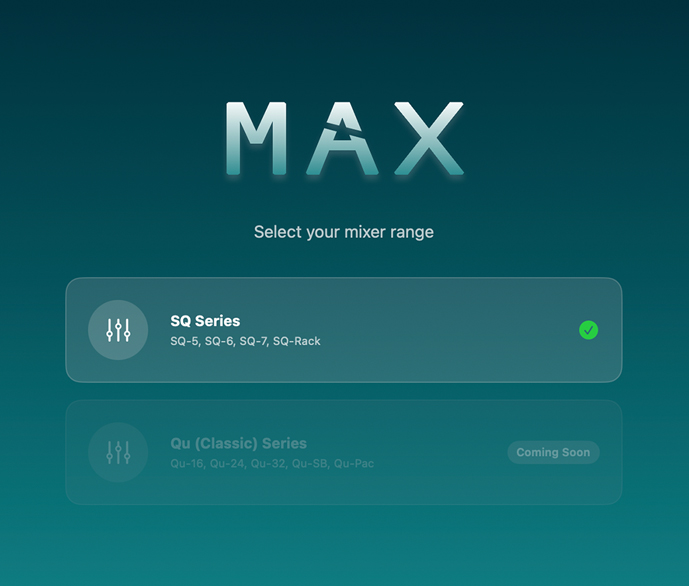
Desk Selection Screen

Allen & Heath SQ Range

MixAppXpander currently supports the complete Allen & Heath SQ range:

  • SQ-5
  • SQ-6
  • SQ-7
  • SQ-Rack

More mixing desks are planned for future updates!

🔴 Note: MixAppXpander is an independent, third-party application. It is NOT affiliated with, approved by, endorsed by, or officially supported by Allen & Heath or any mixing desk manufacturer.

Get Started Today

Download MixAppXpander from your device's app store

Frequently Asked Questions

Do I need to install this on every device?

No! MixAppXpander only needs to be installed on one host device. All other users can use their standard mixing desk control apps as normal, and everything routes through the host device.

How many devices can connect?

MixAppXpander does not have a connection limit, only limited by the capability of your network.

Is my data private?

Absolutely. MixAppXpander operates entirely on your local network with no data collection, tracking, or telemetry. All communication stays within your network.

What network setup do I need?

All devices (MixAppXpander, mixing desk, and control apps) need to be on the same local network. No internet connection is required.

Which consoles are supported?

Currently, MixAppXpander supports the Allen & Heath SQ range (SQ-5, SQ-6, SQ-7, and SQ-Rack). More consoles are planned for future updates.

Is this official?

MixAppXpander is an independent, third-party application. It is not affiliated with, approved by, or officially supported by Allen & Heath or any mixing desk manufacturer.

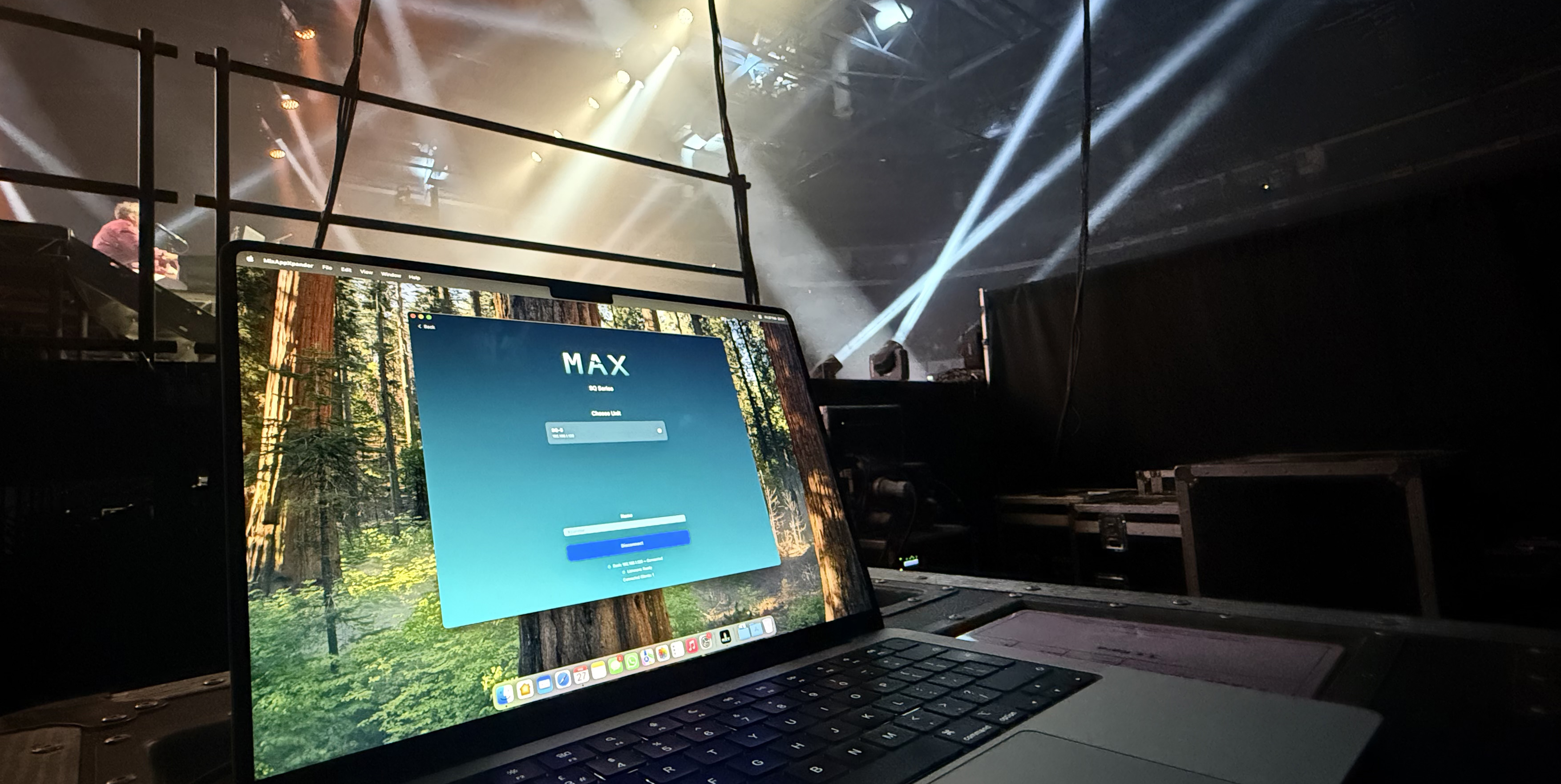
MixAppXpander showcased on an Arena show